
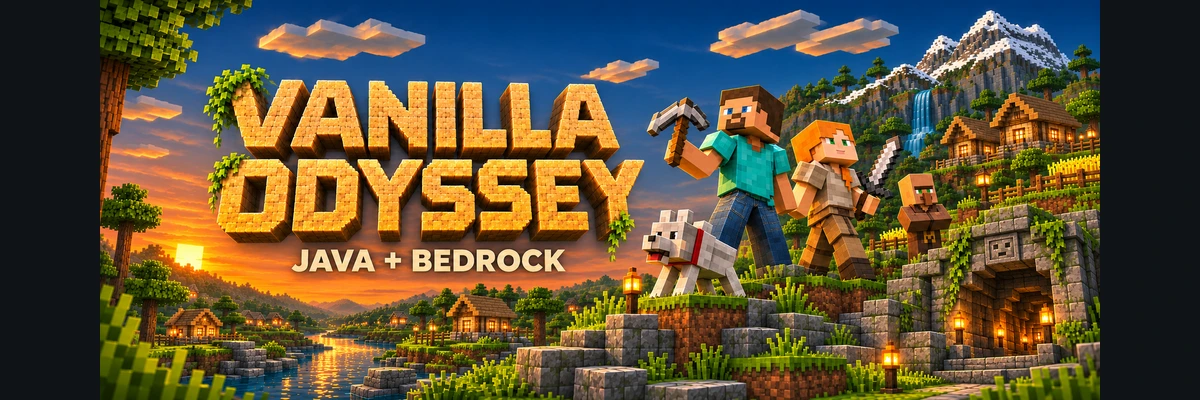
Vanilla Odyssey
Vanilla Minecraft for Java and Bedrock. Pure survival, player-driven economy, golden shovel land claiming, and progression skills without installing any mods.
Pure Survival for Java and Bedrock
No modpacks or external downloads required: just open your standard Minecraft client. Explore each mechanic in the wiki.
True Crossplay
Native Geyser + Floodgate support: Java and Bedrock players (PC, mobile, console) play together in one shared world.
Land Claiming
Claim territory with a golden shovel. Keep your chests, animals, and builds 100% safe from griefing.
AuraSkills Progression
Level up 11 core disciplines (mining, foraging, fighting) to unlock permanent stats: strength, health, and wisdom.
Player Economy & Auctions
A thriving 100% player-driven marketplace with /ah. Trade freely and build your fortune.
Fortune Crates
Spawn crates unlocked via gameplay achievements or store keys, packed exclusively with non-P2W cosmetics.
Quality of Life
Instant tree felling with axes, smart automatic tool swapping, and random wild teleportation with /rtp.
How to Get Started in 3 Steps
Join classic survival with zero mods required, seamlessly connecting on Java and Bedrock.
-
1
Launch Minecraft (Java or Bedrock)
Open Minecraft on your PC using any launcher (official launcher, Modrinth, CurseForge, or Prism on 1.20.x/1.21.x) or open Bedrock on console/mobile.
-
2
Paste Network Address
In Java enter vanilla.odysseylands.com (standard port 25565). In Bedrock enter vanilla.odysseylands.com on port 19132.
-
3
Join & Claim Your Land
Click Join Server. On Bedrock you join directly without a password thanks to Floodgate. On Java Edition, premium accounts join directly (we recommend
/premium) and non-premium players register with/register <password> <password>(nLogin). Grab your golden shovel and build your protected home!
Commands & Quick Access
Essential Vanilla Odyssey commands for exploration, land claims, community trading, and progression.
| Command | Action | Description & Purpose |
|---|---|---|
/wild or /rtp |
Random Teleport | Instant safe teleportation to an untouched wilderness biome. |
/sethome [name] & /home |
Home Waypoints | Set your base location and quickly travel to your saved homes. |
/ah & /ah sell <price> |
Auction House | Browse community auctions and sell items directly to other players. |
/tpa <player> & /tpaccept |
Player Teleport | Send and accept teleport requests to team up with friends anywhere. |
/spawn |
Return to Spawn | Instantly teleport back to the central Vanilla Odyssey citadel. |
/claim |
Land Protection | Protect your chests, builds, and property with your golden claim shovel. |
/menu |
Main Menu | Open the interactive player menu and server navigation dashboard. |
/kits |
Periodic Kits | Claim starter kits and regular survival supplies for your journey. |
/skills |
AuraSkills Mastery | Check your mining, foraging, combat, forging, and passive stat leveling. |
Join in Minutes with Zero Mods
No extra installations needed. Pick your edition and follow these straightforward steps.
Cross-Platform Access: On Bedrock Edition connect to vanilla.odysseylands.com:19132 and join directly without a password (automatic authentication via Floodgate). On Java Edition, the server supports both official Microsoft accounts (join directly, /premium recommended for auto-login) and non-premium accounts protected by nLogin with /register <password> <password> and /login <password>.
-
1
Launch Minecraft Java
Open Minecraft Java Edition from your preferred launcher. Supports multiple versions (1.20.x – 1.21.x).
-
2
Add Server
Go to Multiplayer and click Add Server.
-
3
Enter Server Address
Server Address: vanilla.odysseylands.com (standard port 25565; connect from any launcher such as Modrinth, CurseForge, official launcher, or Prism).
-
4
Start Playing!
Click Join Server. Premium accounts join directly (we recommend
/premium); if playing with a non-premium account, use/register <password> <password>and/loginto protect your profile with nLogin.
-
1
Launch Minecraft Bedrock
Open Minecraft on Windows, mobile devices (Android/iOS), or supported consoles (Latest official release).
-
2
Add Server
Go to Play → Servers tab and scroll down to Add Server.
-
3
Fill IP and Port
Server Address: vanilla.odysseylands.com · Bedrock Port: 19132.
-
4
Connect Instantly
Save and press Play to enter alongside Java players. On Bedrock you join directly without a password: Floodgate automatically links and validates your player profile—no registration commands required!
Community screenshots
Screenshots sent by our players will appear here.
No screenshots yet. Send yours on our Discord and they will appear here!
Go to DiscordHave questions or need assistance?
Our official Discord offers community guides, maintenance notices, trading channels, and prompt staff support.